
Article
Exhibitor management software for 2026: what to buy vs spreadsheet
Exhibitor management software compared for 2026 — when a booth ops platform beats spreadsheets, must-have features, and how we evaluate vendors before show season.


Article
Short answer: Exhibitor management software coordinates booth ops — tasks, deadlines, asset inventory, vendor quotes, and staff RACI — across a multi-show calendar. It is not a lead-capture or badge-scanning tool (see our badge scanner comparison for that category). Teams running one or two shows a year usually stay on a shared spreadsheet; teams juggling four or more shows with multiple staff and vendors typically break even on a dedicated platform within a season.
When I pulled together how B2B teams actually manage show season, the software conversation kept splitting into two unrelated buckets people lump together: what happens at the booth (lead capture, badge scanning) and what happens before the booth exists (tasks, deadlines, freight tracking, who owns what). This page is about the second bucket — exhibitor management software for booth operations, not floor-level lead retrieval. If you landed here looking for scanner apps, our badge scanner comparison and lead capture mistakes guide cover that separately.
What exhibitor management software actually does
Exhibitor management platforms center on five job types, and most gaps I see in spreadsheet-run teams trace back to one of these:
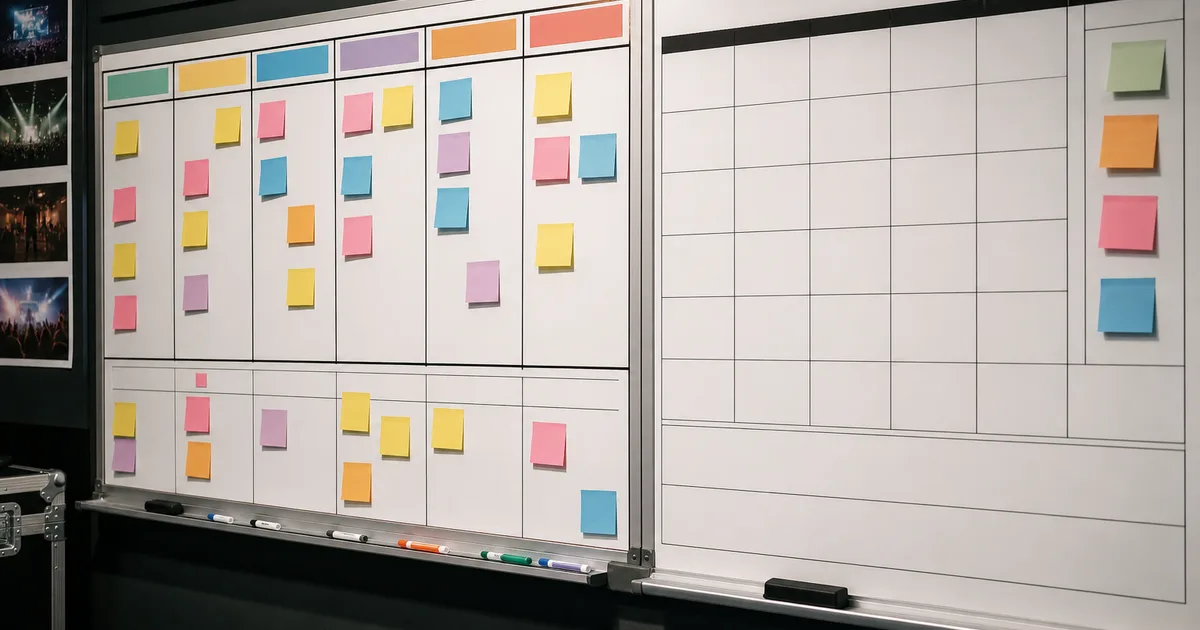
- Task and deadline tracking — advance warehouse cutoffs, graphics production dates, labor order deadlines, all tied to a countdown from show open
- Asset and inventory management — which crates, banners, and demo units are assigned to which show, and where they physically are right now
- Staff RACI assignment — who is Responsible, Accountable, Consulted, and Informed for booth design, freight, marketing, and follow-up on each show
- Vendor and quote management — organizer contracts, rental quotes, and freight bookings in one place instead of scattered email threads
- Multi-show calendar view — overlapping deadlines across several shows, so nobody discovers two graphics deadlines land the same week
Lead capture, badge scanning, and CRM sync are a different job entirely — they happen on the show floor, not in the planning stack. Bundled suites sometimes offer both, but evaluate them as two separate feature sets.
Feature checklist: what to require before you buy
| Feature | Why it matters | Spreadsheet workaround? |
|---|---|---|
| Deadline countdown per show | Advance warehouse and graphics cutoffs are non-negotiable; missed dates cost rush fees | Manual — someone has to remember to check dates |
| RACI assignment per task | Prevents "I thought marketing owned that" during show week | Possible with a column, but nobody gets notified of changes |
| Asset location tracking | Know which crate is at which venue when you run back-to-back shows | Weak — spreadsheets do not track physical location in real time |
| Vendor quote comparison | Compare rental, freight, and labor quotes against budget in one view | Fine for one show; breaks down across a multi-show calendar |
| Multi-show calendar | Surface overlapping deadlines before they collide | Requires a master tab someone maintains manually |
| Notification / reminder system | Alerts owners before a deadline, not after it is missed | None — spreadsheets do not push notifications |
| Budget-to-actual tracking | Ties ops tasks to the budget template so finance sees real-time status | Manual reconciliation, usually after the show |

When a spreadsheet is still fine
I do not tell every exhibitor to buy software. A shared spreadsheet with tabs per show works well when:
- You run one or two shows per year with the same core team each time
- Fewer than three people need to see or edit task status
- Deadlines fit in a single calendar view without overlapping shows
- Nobody needs real-time asset location tracking across venues
The moment any of those breaks — a third show gets added mid-year, a second office starts sharing booth assets, or two graphics deadlines land in the same week — the spreadsheet stops being a coordination tool and becomes a source of missed deadlines. That is the break-even point, not a fixed team size or budget number.
When to move to a dedicated platform
- Four or more shows per year. Overlapping deadlines across shows are the single biggest reason spreadsheets fail — nobody notices a collision until a labor order is late.
- Shared assets across multiple booths. If two teams draw from the same crate inventory, you need real-time location tracking, not a static list.
- More than three people touching the plan. RACI clarity degrades fast in shared spreadsheets once ownership spans departments.
- Finance wants live budget status. Platforms that tie tasks to your budget template line items give finance a real-time view instead of a post-show reconciliation.
- You keep re-learning the same lessons. If every show season starts with "wait, who owns freight this time?" — that is a process gap software fixes structurally.
How we evaluate exhibitor management vendors
We do not rank individual vendors with invented star ratings. Before you request a demo, ask each vendor to walk through these four scenarios with your actual show calendar:
- Two shows, one overlapping deadline. Does the platform flag the collision automatically, or do you have to notice it?
- A task ownership change mid-cycle. Can you reassign RACI without losing history on what was already done?
- An asset shared across two booths. Can the platform show where a crate physically is right now, not just where it was shipped from?
- A budget line going over. Does the tool surface the variance to finance automatically, or only at export time?
Vendors that answer all four cleanly are evaluating your actual workflow, not a generic demo script. Also confirm integration with your existing CRM and calendar tools — exhibitor management software should reduce tool-switching, not add another silo next to your lead capture app.
Setting up staff RACI without software
If you are not ready to buy a platform yet, you can still fix the ownership gap that dedicated software solves. Assign one RACI owner per function — booth design, freight, marketing, follow-up — before the 90-day planning window in our trade show planning timeline. Put the RACI table at the top of your shared plan, not buried in a comments column, and review it at each of the 90-60-30 milestones.
FAQ
What is exhibitor management software?
It is a platform for coordinating trade show operations — tasks, deadlines, asset inventory, vendor quotes, and staff ownership — across one or more shows. It is distinct from lead-capture or badge-scanning apps, which operate on the show floor rather than in the planning stack.
Is exhibitor management software the same as a lead capture app?
No. Lead capture apps scan badges and sync contacts to your CRM during the show. Exhibitor management software runs the planning and logistics stack before and after the show — tasks, deadlines, budgets, and inventory. See our badge scanner comparison for the lead-capture category.
How many shows per year justify exhibitor management software?
Around four or more per year is the common break-even point, especially with shared assets or more than three people touching the plan. Below that, a well-maintained shared spreadsheet with tabs per show usually covers the same ground.
What features should I require before buying exhibitor management software?
Deadline countdowns per show, RACI task assignment, asset location tracking, vendor quote comparison, a multi-show calendar view, notification alerts, and budget-to-actual tracking. Test all seven against your real show calendar in a demo before signing.
Does exhibitor management software replace a trade show budget template?
No — it should connect to one. Use our trade show budget template for the line-item structure and reconciliation columns; a good platform surfaces that same budget status in real time instead of at post-show reconciliation.
Can exhibitor management software help with staff RACI planning?
Yes — most dedicated platforms let you assign Responsible, Accountable, Consulted, and Informed roles per task and reassign them mid-cycle without losing history. If you are not ready to buy software, you can still set up a manual RACI table inside your planning timeline.
Rolling out a new platform without disrupting a show already in motion
Do not switch tools mid-cycle for a show that is inside its 60-day window — freight and labor commitments are already locked, and re-entering data mid-planning creates more risk than it saves. Instead, run the new platform in parallel for the next show on your calendar while the current one finishes on the spreadsheet, then fully retire the spreadsheet once one complete show cycle has run through the new tool.
Onboarding staff who resist a new tool
The most common adoption failure is staff quietly keeping a personal spreadsheet alongside the new platform. Prevent it by importing the current show's real tasks and deadlines before the first training session — nobody trusts a tool with empty demo data — and by making the platform the single place task status is reported in your weekly ops check-in, with no exceptions during the first show cycle.
Common exhibitor questions
How much does exhibitor management software typically cost?
Pricing usually scales with team seats and number of active shows rather than a flat fee — small teams running a handful of shows a year often land in a modest monthly range, while larger multi-brand exhibitors with many concurrent shows pay more for higher seat counts and integrations. Get quotes scoped to your actual show calendar rather than a generic tier.
Can exhibitor management software integrate with our existing CRM?
Most dedicated platforms offer integrations or APIs to sync task and budget data with common CRMs, but depth varies by vendor. Confirm the specific fields that sync — task status and budget variance are common; deep lead-record sync is usually the lead-capture app's job, not the ops platform's.
Editorial standards & corrections
This guide is maintained by the ExhibitionsVoice editorial team. We cross-check dates, venues, and organizer names against official sources before listing events. Spot an error? Use our contact form with the event URL and corrected details — every correction request is read by editorial.
Read more: About ExhibitionsVoice · FAQs · All exhibitor guides
Related articles

Oil and gas trade shows 2026: energy calendar and how to pick
Oil and gas trade shows for 2026 — ADIPEC, WETEX, and offshore energy fairs we score for NOC, IOC, and energy-tech exhibitors.

CPHI India 2026 exhibitor guide: Delhi pharma ingredients floor
CPHI India 2026 exhibitor guide for 23-25 November at IICC Yashobhoomi, New Delhi — API, CDMO, and packaging teams scoring South Asia's ingredients floor.

Fintech trade shows 2026: payments calendar and how to pick
Fintech and payments trade shows for 2026 — Money20/20 USA, Sibos, and how banks and vendors pick Tier A/B/C money-ecosystem floors.

ADIPEC 2026 exhibitor guide: Abu Dhabi energy floor
ADIPEC 2026 exhibitor guide for 2-5 November at ADNEC Centre Abu Dhabi — who should exhibit, hall logistics, and how we score the energy floor.