
Article
Trade show checklist template for 2026 (Excel + PDF-ready)
A copy-ready trade show checklist template for 2026 — 90/60/30-day tasks, show-week ops, and 14-day follow-up rows you can paste into Excel or Sheets.


Article
Short answer: A trade show checklist template is a fill-in worksheet — Phase, Task, Owner, Due date, and Status columns — that you copy into Excel or Google Sheets (or print to PDF) before show week. The table below covers 90/60/30 pre-show, show-week ops, and 14-day follow-up rows. It is the structure you assign and track — not a narrative checkbox article. For marketing-only prose checkboxes, use our trade show marketing checklist; this page is the copyable template table.
I get asked for "the checklist template" almost as often as the budget spreadsheet. Teams do not want another article with emoji boxes — they want a worksheet they can paste into a shared drive, assign owners, and print for the booth binder. So this page is that worksheet: the exact rows, the columns ops expects, and the fill-in rules. If you want the marketing story behind each phase, read the marketing checklist. Pair the money side with our budget template. This page stays the blank form you actually fill in.
Trade show checklist template (copy into Excel, Sheets, or PDF)
Five columns, three phases. Copy the full table into a spreadsheet, keep the row order, and fill Owner and Due date before anyone travels. Do not delete the Contingency / buffer rows — those are the ones that save show week.
| Phase | Task | Owner | Due date | Status |
|---|---|---|---|---|
| 90 days | Confirm show tier (A/B/C) and ICP fit on directory shortlist | ___ | ___ | Open / Done |
| 90 days | Lock booth contract + budget template Total row | ___ | ___ | Open / Done |
| 90 days | Build CRM outreach list (customer / warm / cold / partner) | ___ | ___ | Open / Done |
| 90 days | Name one demo hook + two bookable meeting windows | ___ | ___ | Open / Done |
| 90 days | Assign RACI: marketing, sales, ops, booth lead | ___ | ___ | Open / Done |
| 60 days | Order freight / advance warehouse + labor from show manual | ___ | ___ | Open / Done |
| 60 days | Publish landing page (hook, booking link, privacy line) | ___ | ___ | Open / Done |
| 60 days | Batch content: LinkedIn + email snippets + booth-day captions | ___ | ___ | Open / Done |
| 60 days | Book travel / hotel block; confirm staff roster | ___ | ___ | Open / Done |
| 60 days | Define CRM capture fields (tier, hook, show source, consent) | ___ | ___ | Open / Done |
| 30 days | Launch pre-show email + LinkedIn outreach wave | ___ | ___ | Open / Done |
| 30 days | QA landing page mobile + UTM links | ___ | ___ | Open / Done |
| 30 days | Confirm lead-capture hardware / app licenses | ___ | ___ | Open / Done |
| 30 days | Assign post-show CRM owners by tier (hot / warm / cold) | ___ | ___ | Open / Done |
| 7 days | Publish booth number + aisle landmark in all channels | ___ | ___ | Open / Done |
| 7 days | Final DM / email wave to booked + warm accounts | ___ | ___ | Open / Done |
| Show week | Daily: morning post, midday proof, CRM notes <30 min | ___ | Each hall day | Open / Done |
| Show week | Hot-lead alert to AE before venue close | ___ | Same day | Open / Done |
| Show week | End-of-day lead export + backup (offline file) | ___ | Each hall day | Open / Done |
| Day 0–1 | Hot outreach within 4 hours; warm asset send day 1 | ___ | ___ | Open / Done |
| Day 2–7 | Warm sequence + meeting confirmations | ___ | ___ | Open / Done |
| Day 8–14 | Cold nurture handoff; reconcile budget Actual column | ___ | ___ | Open / Done |
| Buffer | Contingency tasks (rush graphics, overtime, rebooks) | ___ | As needed | Open / Done |
This is the fill-in structure. For dollar tracking beside these tasks, keep a parallel budget template. For the marketing narrative behind 90/60/30 checkboxes, use the marketing checklist — do not merge both into one Slack thread.
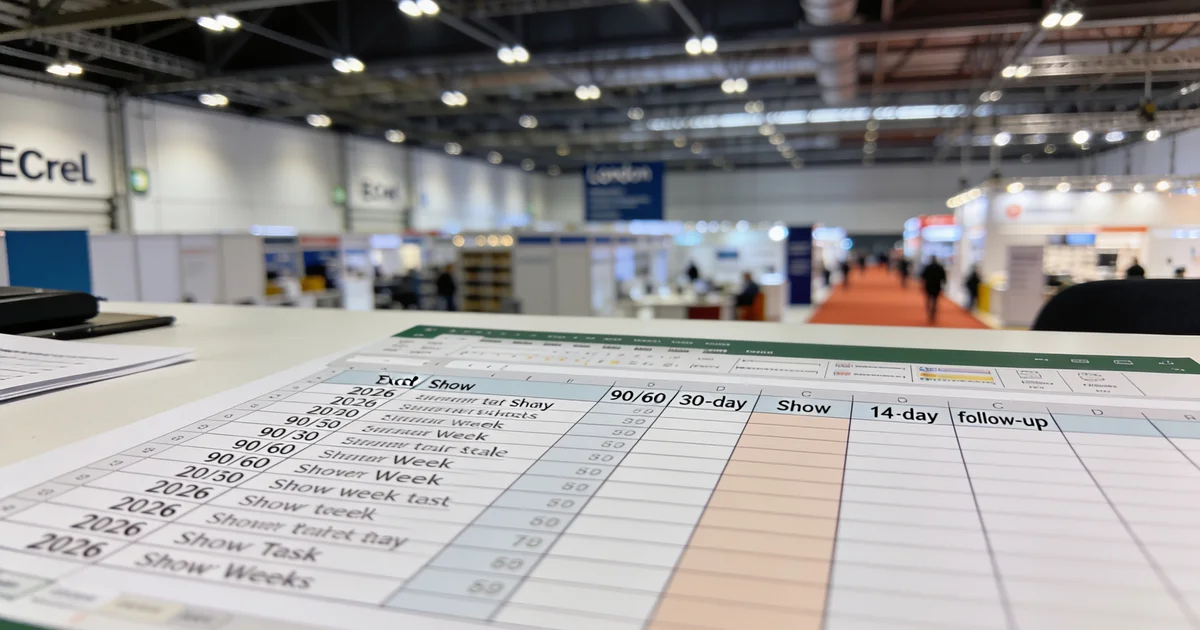
How this template differs from a narrative checklist
I keep these as two documents on purpose:
- This template — copyable rows with Owner, Due date, and Status so ops can track completion in a spreadsheet or PDF binder
- Marketing checklist — prose checkbox timeline for channel strategy (outreach, content, landing page, capture fields)
Teams that only keep the narrative version still miss deadlines because nobody owns the freight order or the day-0 hot send. Teams that only keep a blank spreadsheet invent random task names every show. Use both: strategy from the marketing checklist, execution from this template table.
How to fill in each column
- Label the show and tier in a header row. Above the table, add show name, dates, venue city, and Tier A/B/C from our Tier A/B/C framework. A template without a label gets reused for the wrong fair.
- Fill Owner with a person, not a department. "Marketing" is not an owner — "Priya / demand gen" is. One name per row; shared ownership is how tasks slip.
- Set Due dates backward from doors. Advance warehouse and labor deadlines come from the official show manual, not from memory. If a due date conflicts with travel, move the task earlier — do not hope show week absorbs it.
- Keep Status honest. Open / In progress / Done / Blocked is enough. Blocked rows need a note in a sixth optional column (blocker + next action).
- Sanity-check cost-linked rows. Booth contract, freight, labor, and travel should match Budgeted lines on the budget template. If a checklist row is Done but the budget Actual is blank two weeks later, the close-out failed.
Phase map: what each block is for
| Phase | Job of this block | Fail mode if skipped |
|---|---|---|
| 90 days | Tier, contract, list, hook, RACI | Wrong show or no owners |
| 60 days | Logistics orders, landing page, content, travel, CRM fields | Rush fees + broken booking links |
| 30 / 7 days | Outreach launch, QA, booth number, final wave | Empty calendars on day one |
| Show week | Daily marketing + capture + hot alerts | Leads lost in badge dumps |
| Day 0–14 | Tiered follow-up + budget reconcile | Pipeline dies after teardown |
Show-week capture discipline pairs with our event lead generation guide. Post-show email wording lives in the follow-up email template — paste that copy into the Day 0–14 rows once owners are named.
Tier A vs Tier C: which rows to keep
Not every fair needs every row. I trim by tier before assigning owners:
- Tier A (flagship) — keep all rows. Landing page, dual-channel outreach, full show-week daily block, and 14-day follow-up are non-negotiable.
- Tier B (regional) — keep logistics and capture; you may shorten content batch volume but not Owner columns.
- Tier C (validation) — keep 90-day tier/list/hook, one outreach wave, show-week CRM notes, and Day 0–1 hot/warm sends. Skip full landing-page build if the goal is learning, not pipeline volume.
Score the fair on ExhibitionsVoice before you commit calendar slots. A Tier C test show with a Tier A checklist burns the team and still fails to prove ICP fit. Watch hidden costs beyond booth rent when freight and labor rows look "optional" on a small footprint — they rarely are.
Printing to PDF and sharing with the booth team
After Owner and Due date are filled:
- Freeze the header row in Sheets or Excel
- Export landscape PDF with Phase / Task / Owner visible
- Print one copy for the booth binder; leave the digital file as source of truth
- Version by show and year (show-name-2026-checklist) — never overwrite last year's tab
Give finance read access; give ops edit access on Status only if they update from the floor. Sales should see Day 0–14 rows before travel so hot alerts are not invented Monday after teardown.
Common template mistakes
- Emoji checkboxes instead of Status — pretty in a blog, useless for filtering open tasks in Sheets.
- Department owners — "Sales" never closes a row; a named AE does.
- Deleting Buffer / Contingency — rush graphics and overtime show up every show week.
- No show name header — the sheet gets reused for the next fair with stale due dates.
- Follow-up as one vague row — split Day 0–1, Day 2–7, and Day 8–14 or hot leads wait until "next week."
- Ignoring budget reconcile at Day 8–14 — checklist Done without Actual $ on the budget template means you cannot calculate ROI — see our guide to measuring trade show ROI.
Once the template is filled and owners are named, confirm the fair details again on ExhibitionsVoice and route corrections through our contact form if directory dates look off.
FAQ
Is there a free trade show checklist template I can copy into Excel?
Yes — copy the Phase / Task / Owner / Due date / Status table above directly into Excel or Google Sheets. It is the same structure we use for exhibitor ops handoffs: pre-show, show week, and 14-day follow-up in one worksheet.
What is different between this template and a marketing checklist article?
A marketing checklist explains the channel strategy with narrative checkboxes. This page is the blank worksheet structure you fill with people and dates. Use the marketing checklist for the "why"; use this template to assign and track the "who / when."
How many rows should a trade show checklist template have?
Enough to cover 90/60/30, show week, and Day 0–14 without collapsing logistics and marketing into one line. The table above is a practical starting set — add venue-specific manual deadlines as extra rows rather than deleting Owner columns to "simplify."
Can I print this checklist as a PDF for the booth binder?
Yes. Fill Owner and Due date first, freeze the header, export landscape PDF, and print one binder copy. Keep the live spreadsheet as the source of truth so Status updates after move-in are not lost on paper.
Who should own each row on the checklist?
A named person, not a department. Marketing usually owns landing page and content rows; ops owns freight and labor; sales owns hot-lead alerts and Day 0 outreach; the booth lead owns end-of-day CRM export. Put the name in the Owner column before travel.
Should I use the same template for Tier A and Tier C shows?
Same columns, different row count. Tier A keeps every row; Tier C trims landing-page and heavy content batch rows but still needs list build, one outreach wave, capture, and Day 0–1 follow-up. Label the tier in the header so nobody runs a flagship process on a test show.
Printing the template as a PDF booth binder
After you fill Owner and Due date in Sheets, export to PDF with landscape orientation and freeze the header row so the Phase / Task / Owner columns stay readable on a printed clipboard. Keep one printed copy in the booth binder and one digital copy in the shared drive — do not let the printed version become the only source of truth after move-in.
Multi-show workbook: one tab per event
If you run more than one fair per year, duplicate the worksheet onto one tab per show, then add a summary tab that counts open Status rows across tabs. Tag each tab with show name and Tier A/B/C so finance and sales can scan the calendar without merging unrelated deadlines.
Common exhibitor questions
Can I use this checklist template for a virtual or hybrid trade show?
Yes — keep the Owner / Due date / Status columns and swap freight and install rows for platform QA, virtual booth rehearsal, and digital lead routing. Pre-show outreach and 14-day follow-up rows stay largely the same.
Does this replace a project management tool?
No — it is the source-of-truth task sheet you can paste into Asana, Monday, or Notion. Start here so every stakeholder sees the same Phase / Task / Owner structure before you import into a PM tool.
Editorial standards & corrections
This guide is maintained by the ExhibitionsVoice editorial team. We cross-check dates, venues, and organizer names against official sources before listing events. Spot an error? Use our contact form with the event URL and corrected details — every correction request is read by editorial.
Read more: About ExhibitionsVoice · FAQs · All exhibitor guides
Related articles
Oil and gas trade shows 2026: energy calendar and how to pick
Oil and gas trade shows for 2026 — ADIPEC, WETEX, and offshore energy fairs we score for NOC, IOC, and energy-tech exhibitors.

CPHI India 2026 exhibitor guide: Delhi pharma ingredients floor
CPHI India 2026 exhibitor guide for 23-25 November at IICC Yashobhoomi, New Delhi — API, CDMO, and packaging teams scoring South Asia's ingredients floor.

Fintech trade shows 2026: payments calendar and how to pick
Fintech and payments trade shows for 2026 — Money20/20 USA, Sibos, and how banks and vendors pick Tier A/B/C money-ecosystem floors.

ADIPEC 2026 exhibitor guide: Abu Dhabi energy floor
ADIPEC 2026 exhibitor guide for 2-5 November at ADNEC Centre Abu Dhabi — who should exhibit, hall logistics, and how we score the energy floor.